
Suprava Saha000
Back to home

01 / 05

Simplifying Insurance for Millennials

Notes

Creates urgency and encourages timely completion.

Notes

Explains why employer-provided coverage is beneficial.

Notes

Time estimate upfront
Reduces perceived effort and increases start rate.

Notes

Single primary CTA → Keeps users focused on one next action.

Notes

Auto-save messaging → Reassures users they can return later without losing progress.

Important

UX NOTE:
When users re-enter via email, they land on the last step they left off at.

Notes

Quick Google login → Onboards the user quickly, without creating a password.

Notes

Progress indicator
Reduces uncertainty by showing completion status.

Notes

Grouped question cards
Improves scanability and reduces cognitive load.

Notes

Yes/No controls
Faster and more mobile-friendly than dropdowns.

Notes

Plain-language headline
Avoids insurance jargon for first-time buyers.

Notes

Educational guidance card
Helps users choose coverage confidently.

Notes

Salary-based recommendations
Simplifies complex financial decisions.

Notes

Review later reminder
Encourages progression without fear of commitment.

Notes

Visual comparison of options → Makes trade-offs easy to understand.

Notes

Recommended option highlighted → Reduces decision paralysis.

Notes

Editable sections → Allows corrections without restarting the flow.

Notes

Centralized summary view → Enables quick verification before submission.

Notes

Positive confirmation message
Reassures users their application was completed successfully.

Email Entry Point→ Review Enrollment

Problem Statement

Employees receive a limited-time enrollment invitation to apply for voluntary life insurance. Many applicants have little prior experience purchasing insurance, may want to include a spouse, and may abandon the process due to competing priorities. The enrollment experience should help users confidently complete their application while supporting seamless continuation across devices.

02 / 05

User Persona

Anuprba Rath

Marketing Coordinator

3 years at company | 22 yrs old

“I got this email about life insurance but I don’t really know what I need. I’ll figure it out later.”

Two days later, still hasn’t started.
Anuprba at a café table, chin in hand, looking away from her laptop
  • First-time insurance buyer
  • Mobile-first
  • Low insurance literacy
  • Decision fatigue
  • Motivated by family security

Goals

  • Protect spouse if something happens.
  • Understand what she’s buying.
  • Not waste time on confusing forms.

Frustrations

  • Insurance feels opaque.
  • No idea what “2x salary” means in real dollars.
  • Scared of making the wrong choice.

Context

  • Opens email on phone during lunch.
  • May switch to laptop later.
  • Husband may want to be added.

User Journey

From curiosity to coverage.

A simple step-by-step flow to help users get enrolled in a life insurance plan.

  1. 01

    Receive Enrollment Email

    User gets the life insurance enrollment email.

  2. 02

    Open Email & Click Link

    User opens email and clicks the enrollment link.

  3. 03

    Review Enrollment Details

    User reviews plan info and key benefits.

  4. 04

    Answer Eligibility Questions

    User provides basic eligibility information.

  5. 05

    Select Coverage Amount

    User chooses desired coverage.

  6. 06

    (Optional) Add Spouse Coverage

    User can add spouse or dependents.

  7. 07

    Review Application

    User checks all details before submitting.

  8. 08

    Submit Application

    User submits the application.

  9. 09

    Receive Confirmation

    User gets a confirmation email.

Alternative Path

If the user leaves mid-flow.

  1. User leaves mid-flow

    Closes the tab or gets distracted before completing.

  2. Returns through email link on another device

    Reopens the enrollment link later (e.g., on laptop).

  3. Identity Verification

    Completes identity verification to continue.

  4. Resume from last completed step

    System takes the user back to where they left off.

  5. Complete Submission

    User finishes and receives confirmation.

03 / 05

Market Research

Life Insurance Corporation of India (LIC) remains the overall market leader in the Indian life insurance market, followed by strong private players with significant presence in corporate and group insurance.

SBI Life Insurance

One of the largest private life insurers and a major provider of employer-sponsored group insurance.

HDFC Life Insurance

Strong presence in corporate employee benefits and group insurance programs.

ICICI Prudential Life Insurance

Particularly strong in group insurance offerings, with recent growth driven by employer-sponsored group policies.

Axis Max Life Insurance

Popular among corporates and SMEs for group term life products.

Indian Market

  • Life Insurance Corporation of India
  • HDFC Life
  • SBI Life
  • ICICI Prudential Life Insurance
  • Axis Max Life Insurance

US Market

  • MetLife
  • Guardian
  • Unum
  • Principal

Visual Direction &
Inspiration

A blend of clarity, trust, and approachability — inspired by leading insurance and financial platforms.

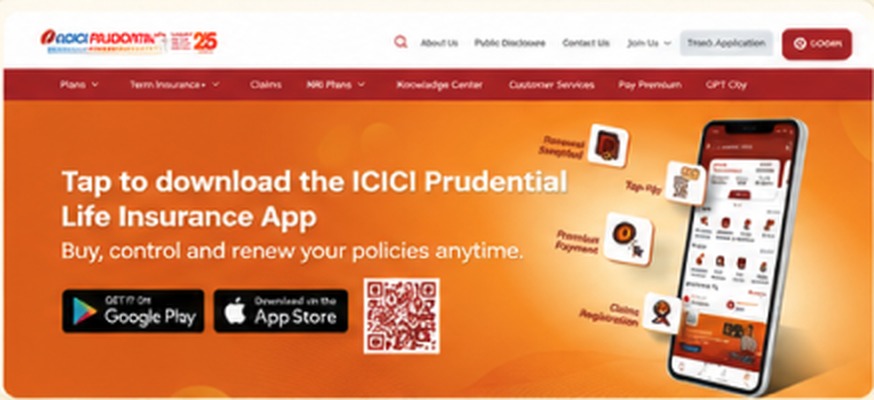
  • ICICI Prudential app download banner

    Hero Communication

    Clear, benefit-driven messaging with strong visual hierarchy and product focus.

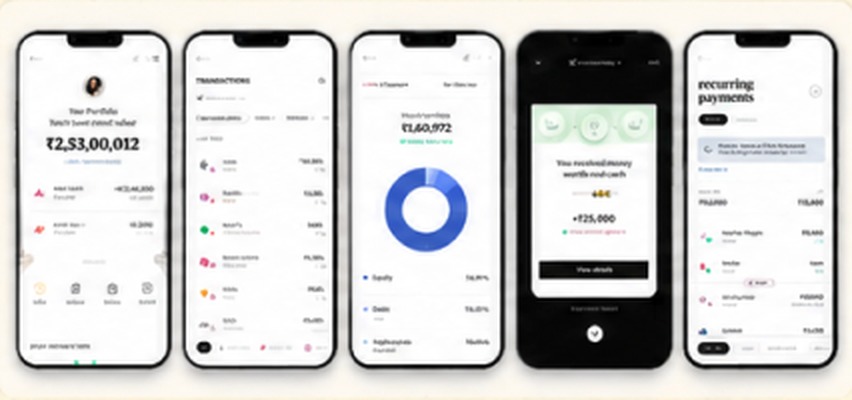
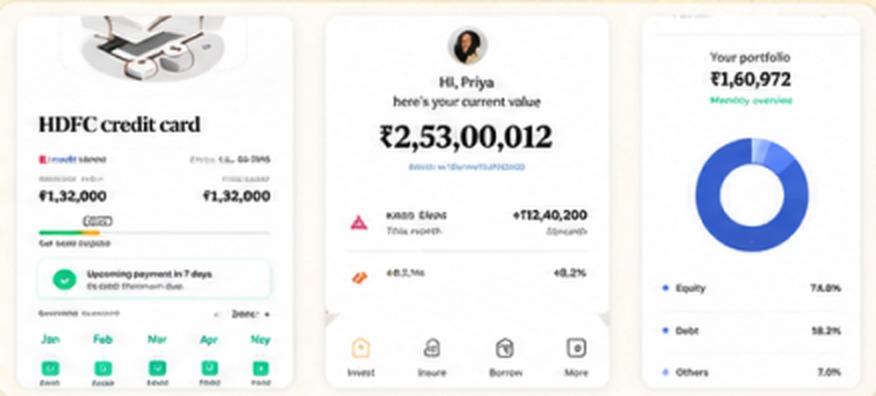
  • A row of finance app screens

    Mobile Experience

    Clean, minimal and data-driven interfaces with easy navigation and clear information hierarchy.

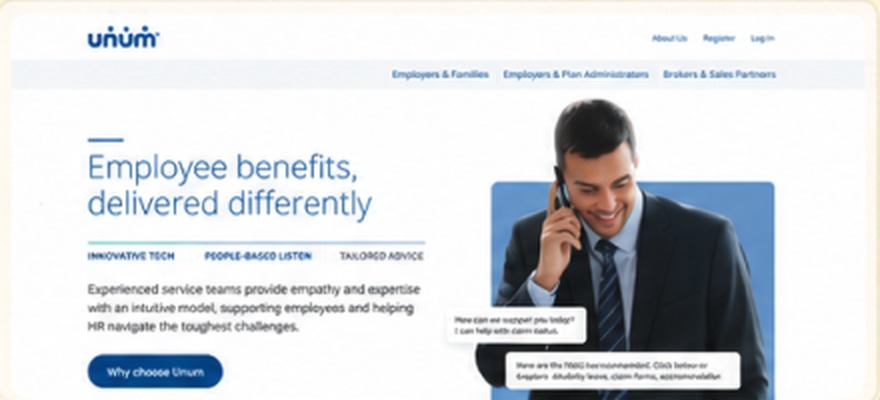
  • Unum employee benefits website

    Clean Corporate Aesthetic

    Professional, trustworthy and easy to understand layouts with ample white space.

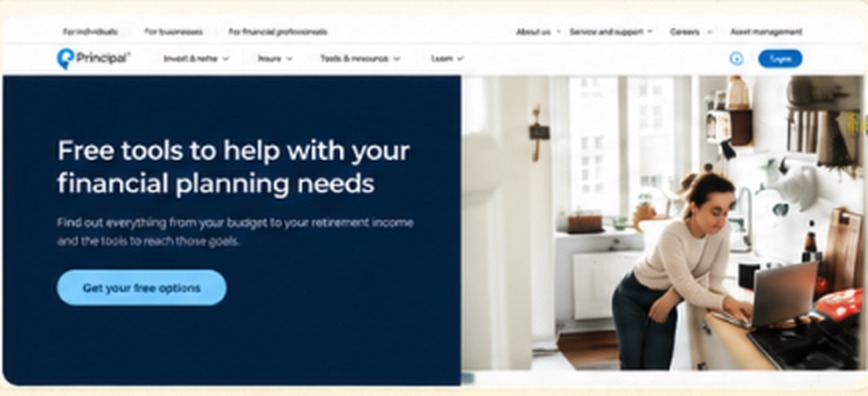
  • Principal financial planning tools page

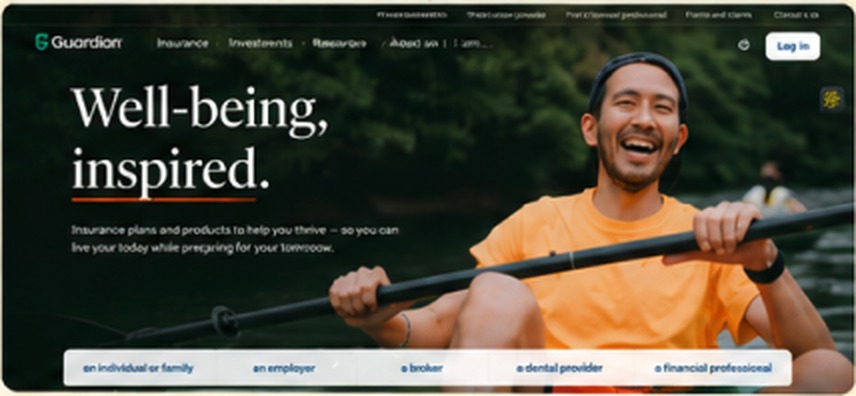
    Lifestyle Imagery

    Real people in relatable contexts to build emotional connection and trust.

  • Guardian “Well-being, inspired” campaign page

    Brand Feel & Tone

    Warm, human and optimistic visuals that make insurance feel more approachable.

  • Card-based portfolio and credit card UI components

    UI Patterns & Components

    Simple, card-based layouts, clear data visualization and consistent design language.

What did you assume about this user’s insurance literacy, and how did that shape your decisions?

Many users almost, 80% of the customers are not technically fintech literate. Mostly they know the basic terms. Also most of them do not have patients to go though all terms and condition of the service.

So my approach is to remove all buzz and technical words, reorganize the data into simple relatable format, more visual explanation, simple navigation.

Where did you reduce steps or complexity, and what risk does that introduce?

I simplified the process by turning long insurance forms into a guided flow with simple questions and clear coverage options. Users only see information relevant to the current step.

The risk is that some users may miss important policy details, so I included short explanations and a final review screen before submission.

How did you handle the re-entry problem, and why that approach over alternatives?

I used automatic progress saving so users can leave and return anytime without losing their application. The progress bar also helps them understand where they are in the process.

I chose this over a manual “Save Draft” option because it requires less effort and reduces the chance of users dropping off.

What is the one decision in your design you are least confident about, and how would you validate it?

I’m least confident about the recommended coverage amounts based on salary. While it makes decisions easier, some users may want more control.

To validate it, I would run usability tests and compare completion rates, user confidence, and drop-off rates against other coverage selection approaches.

© All rights reserved | 2026Designed by Suprava Saha
PLAY